The Problem with SPAs for SaaS
When we started building SaaS products in 2016, React SPAs were the go-to choice. They're fast once loaded — but that "once loaded" caveat causes real problems: poor SEO, slow initial paint, and painful routing logic spread across the codebase.
The pattern was always the same: a create-react-app scaffold, React Router for navigation, a loading spinner on every page transition, and an API layer that leaked auth tokens into the client bundle if you weren't careful. For internal tools, this was fine. For products that needed to rank in search engines, onboard users fast, and feel instant on first load — it wasn't.
We needed server rendering without giving up the React component model. That's what led us to Next.js.
Why Next.js Changed Everything
Next.js gave us the best of both worlds: the React component model we love, combined with server-side rendering that search engines and users appreciate.
File-Based Routing
No more configuring React Router. Drop a file in app/ and it's a route. This alone cuts setup time significantly on every new project.
app/
  page.tsx            → /
  dashboard/
    page.tsx          → /dashboard
    settings/
      page.tsx        → /dashboard/settings
  blog/
    [slug]/
      page.tsx        → /blog/:slug
Nested layouts follow the same convention. A layout.tsx in any directory wraps all routes below it — so shared navigation, authentication guards, and data loading contexts compose naturally without a centralized routing config.
Server Components
With the App Router, data fetching happens on the server — no waterfall API calls, no loading spinners for initial data, no leaked API keys in the client bundle.
// This runs on the server — no useEffect, no loading state
export default async function DashboardPage() {
  const data = await fetchFromDatabase();
  return <Dashboard data={data} />;
}
The mental model shift is significant. Instead of thinking "fetch data in the browser, show a spinner, then render," you think "fetch data, render HTML, send it to the client." The result is fewer loading states, smaller JavaScript bundles, and faster Time to Interactive.
Server components also mean you can use server-only dependencies — database clients, file system access, secrets — directly in your component tree without worrying about them ending up in the browser bundle. For SaaS products that need to query a database, check feature flags, or call internal APIs during render, this is a material simplification.
Built-in API Routes
Every SaaS needs backend endpoints — webhooks, form handlers, auth callbacks. Next.js route handlers (app/api/*/route.ts) let you keep these in the same repo and deployment as your frontend, which reduces operational complexity significantly for small and mid-size products.
// app/api/webhooks/stripe/route.ts
export async function POST(request: Request) {
  const body = await request.text();
  const sig = request.headers.get('stripe-signature');
  // Verify and process webhook
}
For SaaS products in the early stages, this eliminates the need for a separate API service entirely.
Edge-Ready
Deploying to Vercel, Netlify, or Cloudflare Workers is trivial. Your app runs close to users globally with zero DevOps overhead. For self-hosted deployments, Next.js runs on Node.js behind any reverse proxy — we run several client projects on AWS EC2 behind Nginx, and others on Azure App Service.
The framework doesn't lock you into a deployment platform. That matters when clients have infrastructure preferences or compliance requirements that rule out specific providers.
Performance by Default
Next.js ships with sensible defaults that are easy to get wrong when assembling your own stack:
- Automatic code splitting — each route loads only the JavaScript it needs
- Image optimization — the
<Image>component handles lazy loading, responsive sizing, and format conversion (WebP/AVIF) - Font optimization —
next/fonteliminates layout shift from web fonts and self-hosts them - Prefetching — links in the viewport are prefetched automatically, making navigation feel instant
For SaaS products where first impressions determine conversion, these defaults save us from performance regressions that would otherwise require dedicated optimization sprints.
When We'd Choose Something Else
Next.js isn't always the right call:
- Pure API services — use Express, Fastify, or .NET Core. No UI means no benefit from a full-stack framework.
- Highly interactive dashboards with no SEO need — a pure Vite + React SPA may be simpler when every page is behind authentication and never needs to be crawled.
- Mobile apps — React Native with Expo. Though we often pair a Next.js web app with a React Native mobile app sharing the same API layer.
- Existing backend investment — if a client has a mature .NET or Java backend, we'll build the frontend in Next.js and connect via API rather than trying to move business logic into route handlers.
Our Stack
For most SaaS projects we pair Next.js with:
- TypeScript — always. The type safety pays for itself in reduced debugging time.
- Tailwind CSS — utility-first, fast to prototype, and consistent across a team.
- Prisma + PostgreSQL — type-safe database access with migrations that don't require a DBA.
- AWS / Azure — for compute, storage, and managed services beyond what edge functions offer.
- Zod — runtime validation at system boundaries, paired with TypeScript for end-to-end type safety.
This stack gives us a consistent starting point across projects, which means less ramp-up time, shared tooling, and patterns that are already battle-tested.
The Result
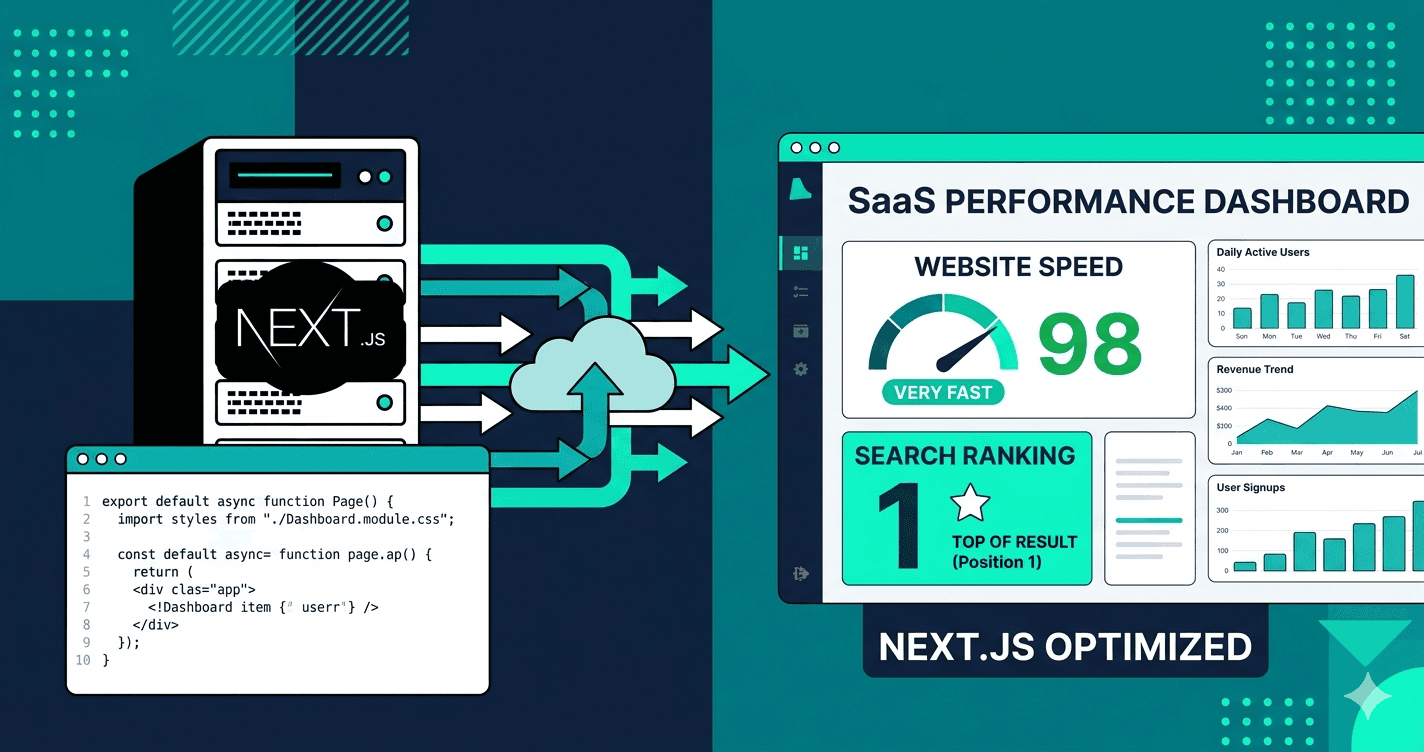
Across the SaaS products we've built and shipped, the pattern is consistent: Next.js lets us deliver a production-ready first version faster than any other approach we've tried, without accumulating the technical debt that slows down iteration in the months after launch.
If you're building a SaaS product and choosing your stack, we'd recommend starting here. And if you want a team that's already shipped dozens of products on this foundation, we'd be happy to talk.