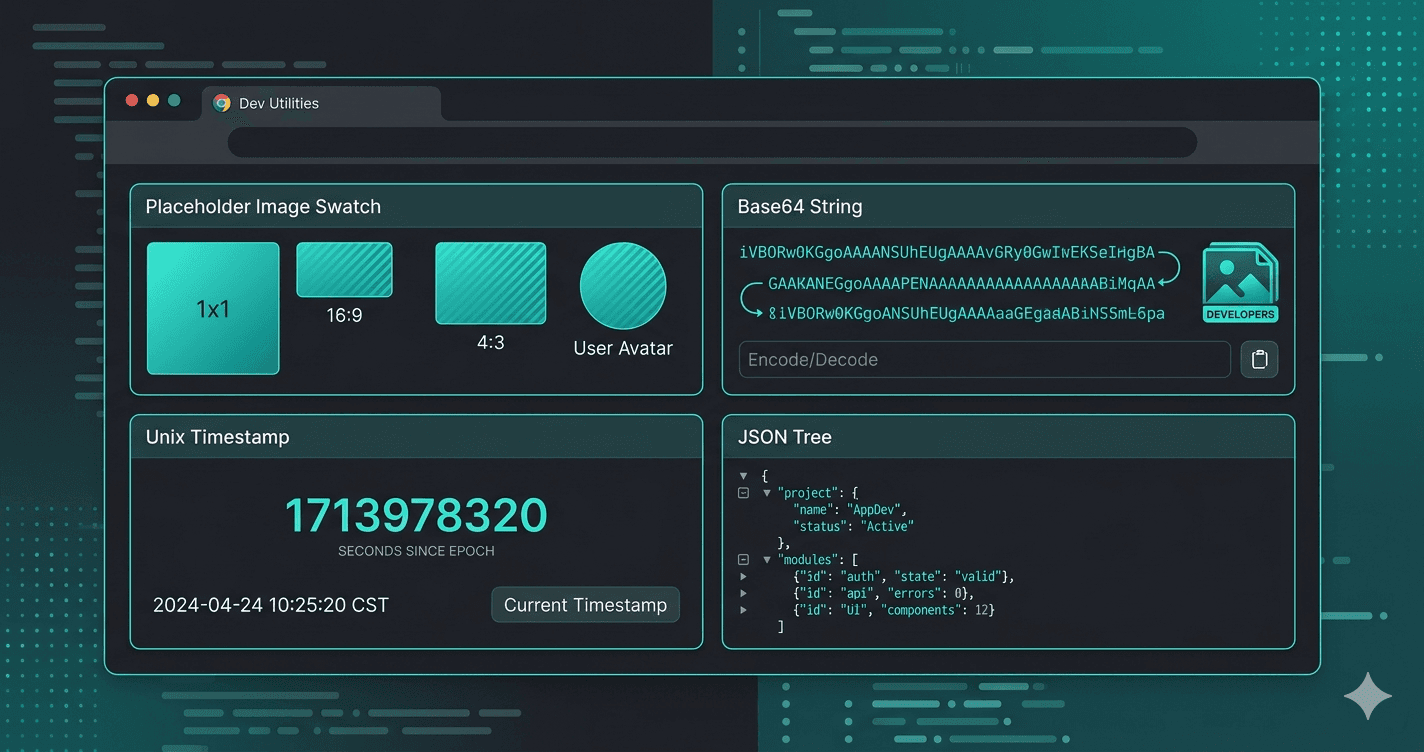

React development has never had a richer ecosystem of free tooling. But "rich" also means noisy — there are hundreds of tools competing for your attention, and most aren't worth the tab they're opened in.
This list cuts through that. These are tools we actually use at Skybin while building React and Next.js products for clients — picked for being genuinely free, immediately useful, and worth keeping open.
1. React Developer Tools
Browser extension · Free
The official browser extension from the React team should be the first thing you install in any new browser profile. It adds two panels to DevTools: Components (inspect the component tree, read and edit props/state in real time) and Profiler (record renders and identify bottlenecks).
The Profiler is underused. If your app feels sluggish and you haven't run a profiler session, start there before guessing at the cause.
Available for Chrome and Firefox. Install it from the extension store of your browser.
2. Vite
Build tool · Free & open source
If you're still using Create React App, move to Vite. The difference in dev server startup and hot module replacement speed is dramatic — Vite serves source files directly over native ES modules, so startup time stays fast regardless of project size.
npm create vite@latest my-app -- --template react-ts
For new projects it's the obvious default. For existing CRA projects, the migration is straightforward and the payoff in day-to-day DX is immediate.
3. Storybook
Component explorer · Free & open source
Storybook lets you build and test UI components in isolation — without needing to wire up your full app, mock API state, or navigate to the right page to see a component. Each component gets "stories" that cover its variants and states.
For teams building component libraries or design systems it's close to essential. For product teams it's still valuable: you catch edge cases (empty state, long text, loading) early because you're forced to think about them explicitly when writing stories.
npx storybook@latest init
4. Tailwind CSS
CSS framework · Free & open source
Tailwind needs no introduction in 2026, but it's worth reiterating why it belongs on this list: utility-first CSS eliminates the context-switching between JSX and stylesheets that slows down component iteration. You write styles in the same place as markup, and the design constraint of a finite set of spacing/colour tokens produces more consistent UIs by default.
The Tailwind CSS IntelliSense extension for VS Code — also free — adds autocomplete, hover previews, and linting for class names and is the must-have companion.
5. shadcn/ui
Component library · Free & open source
shadcn/ui takes an unusual approach: instead of installing a package and importing components, you copy component source files into your project. That means you own the code — you can read it, modify it, and style it without fighting against an opaque library.
Built on Radix UI primitives (fully accessible) and styled with Tailwind. The component quality is high and the contributor community is active.
npx shadcn@latest add button
For new projects using Next.js + Tailwind, this is our default component foundation.
6. FauxImage — Placeholder Images on Demand
Free utility · skybin.io/free-tools
Every React developer building UIs hits this: the design calls for images, the real images aren't ready, and you need something in the layout right now. FauxImage generates placeholder images at any dimensions via a URL:
<img src="https://faux.skyb.in/400x300" alt="placeholder" />
<img src="https://faux.skyb.in/1200x630" alt="og image placeholder" />
Drop the URL directly into src, use it in CSS backgrounds, or paste it into Figma. No download, no account, no colour configuration ceremony — just the dimensions you need. Built by the Skybin team and available free at skybin.io/free-tools.
7. JSON Tools — Format, Validate & Minify
Free utility · skybin.io/free-tools
React development involves constant interaction with JSON — API responses, config files, mock data, localStorage values. JSON Tools gives you three operations in one interface: Format (pretty-print), Validate (syntax check with error location), and Minify (strip whitespace).
Paste in the raw output from console.log(response.data), format it instantly, and actually read what the API is returning. No more squinting at a single-line blob. Available free at skybin.io/free-tools.
8. Base64 — Encode & Decode
Free utility · skybin.io/free-tools
If you're working with JWTs, you're reading Base64 more than you realise. The header and payload segments of every JWT are Base64url-encoded — and Base64 lets you decode them instantly to inspect claims, check expiry, or debug auth issues.
Also useful for: generating Basic Auth headers, reading data: URIs, debugging API responses with encoded binary payloads. The tool auto-detects which direction you need (encode or decode) and copies the result to clipboard. At skybin.io/free-tools.
9. Epoch — Unix Timestamp Converter
Free utility · skybin.io/free-tools
React apps that interact with backend APIs regularly deal with Unix timestamps — in API responses, JWT exp/iat fields, database records, and cache headers. Epoch converts between timestamps and human-readable dates instantly, showing both UTC and your local timezone simultaneously.
// What does this actually mean?
const exp = 1777708799;
// → Paste into Epoch → "30 April 2026, 23:59:59 UTC"
Eliminates the mental arithmetic of cross-timezone timestamp conversion. Available free at skybin.io/free-tools.
10. Zod
Validation library · Free & open source
TypeScript tells you about types at compile time. Zod validates data at runtime — which matters when that data comes from an API you don't control, user input, or environment variables.
import { z } from 'zod';

const UserSchema = z.object({
  id: z.string().uuid(),
  email: z.string().email(),
  role: z.enum(['admin', 'user']),
});

type User = z.infer<typeof UserSchema>; // Full TypeScript type, derived from schema
The pattern of defining a Zod schema and inferring the TypeScript type from it means you have a single source of truth for both runtime validation and static typing. Pairs naturally with React Hook Form for form validation and tRPC for end-to-end type safety.
Summary
| Tool | Category | Cost |
|---|---|---|
| React Developer Tools | Debugging | Free |
| Vite | Build tooling | Free |
| Storybook | Component dev | Free |
| Tailwind CSS | Styling | Free |
| shadcn/ui | Components | Free |
| FauxImage | UI prototyping | Free |
| JSON Tools | API debugging | Free |
| Base64 | Auth / encoding | Free |
| Epoch | Timestamps | Free |
| Zod | Validation | Free |
The four utilities in the middle — FauxImage, JSON Tools, Base64, and Epoch — are small tools we built at Skybin for our own daily use. They're free with no account required at skybin.io/free-tools. If there's a micro-task you find yourself Googling repeatedly, let us know — we're happy to build and add it to the collection.