
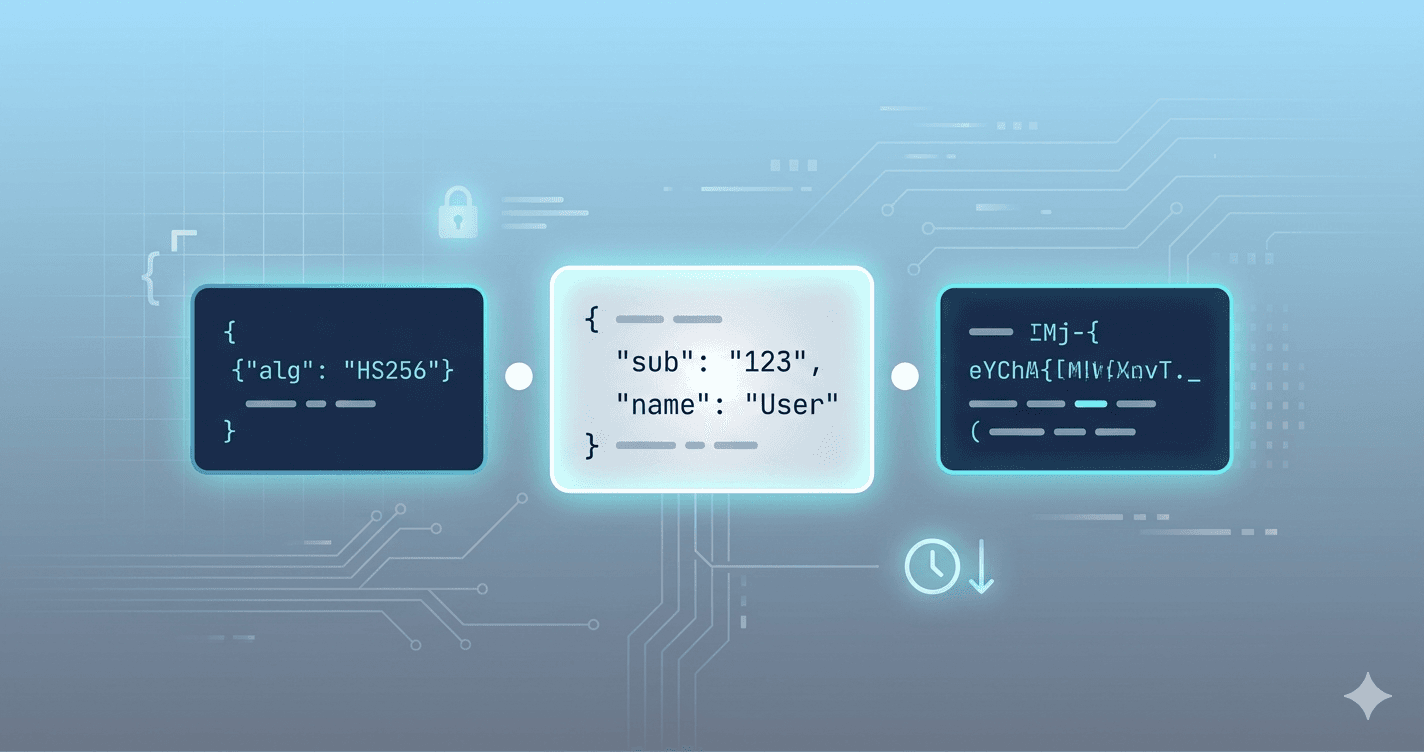
JSON Web Tokens show up in almost every modern API: OAuth access tokens, session substitutes in SPAs, and service-to-service auth. When something breaks — expired sessions, wrong audience, missing scopes — you need to read the claims fast without leaking the token into logs or random websites.
This guide walks through JWT structure, safe decoding practices, and how we use our free JWT Decoder on skybin.io.
JWT structure in 30 seconds
A JWT is three Base64url-encoded segments separated by dots:
header.payload.signature
- Header — usually
alg(e.g. HS256, RS256) andtyp(JWT). - Payload — claims:
sub,email,roles, plus time claimsiat,exp,nbf. - Signature — proves the token was issued by someone who holds the secret or private key.
Decoding shows you header and payload. Verifying the signature is a separate step and must happen on your server (or with the issuer's public key).
What you should check when debugging
| Claim | Meaning |
|---|---|
exp |
Expiration — token rejected after this Unix time |
iat |
Issued at |
nbf |
Not valid before |
iss / aud |
Issuer and audience — common mismatch in multi-tenant APIs |
sub |
Subject (user or client id) |
If users report "logged out randomly," compare exp to server clock skew. If APIs return 401 only in production, compare aud and iss between environments.
Terminal vs browser decoder
You can decode the payload in a shell:
echo "$TOKEN" | cut -d. -f2 | base64 -d 2>/dev/null | jq .
That breaks on Base64url padding, Bearer prefixes, and multi-line paste. It also tempts you to paste production tokens into shell history.
Our JWT Decoder runs entirely in the browser: paste the token, see formatted JSON, human-readable dates for exp/iat, and an explicit expired / not expired indicator. Nothing is uploaded.
Related tools on the same hub:
- JWT Encoder — build test tokens with HS256
- Epoch converter — double-check Unix timestamps
- Base64 — inspect raw segments
Security rules (non-negotiable)
- Never trust claims without verifying the signature on the backend.
- Treat production tokens like passwords — no Slack screenshots, no public gist paste.
- Decoding is fine for debugging; signing test tokens belongs in dev environments only.
- Refresh tokens and access tokens in JWT form get the same care.
When to verify on the server
Use your framework's JWT middleware (ASP.NET Core JwtBearer, Node jsonwebtoken, etc.) with the correct key and validate exp, iss, and aud. The decoder is for inspection; verification is for authorization.
Try it
Open the free tool: skybin.io/free-tools/jwt-decoder
Browse all 36 developer utilities on skybin.io/free-tools. Building auth for a product? Contact Skybin for API and SaaS development.